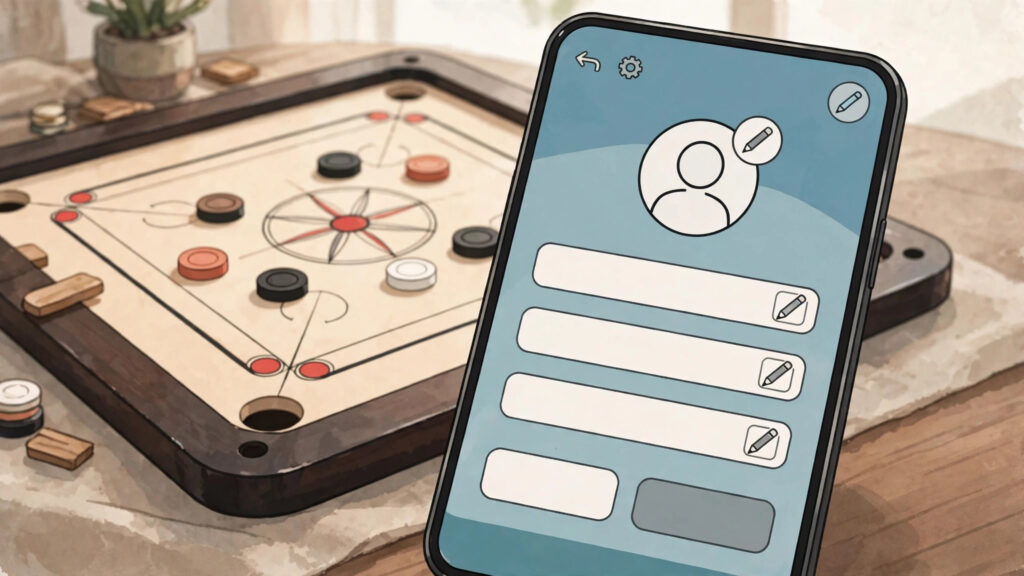
Wondering how to add symbols to your Carrom Pool name? It is easier than most players think. You can turn a plain name into a stylish one in under two minutes: pick a few symbols that work in the game, build your decorated name with a free tool, and paste it into your Carrom Pool profile using the pencil icon. This guide walks you through every step, shows you which symbols are safe, and warns you about the ones that show up as empty boxes. You will also learn the rename rules: the 2 to 16 character limit, the free first change, and the 100 gem cost for later changes. Start by browsing our symbol library to find symbols you like.
Step 1: Pick Symbols That Work in Carrom Pool
Not every symbol works in Carrom Pool, so start with the safe ones. Crowns (♛ ♔), stars (★ ✦), hearts (♡ ♥), lightning (⚡), and fancy brackets (꧁ ꧂ ༺ ༻) are the most reliable choices, and they look great on the game board. Avoid rare Unicode characters, because the game may not display them. Pick one or two symbols and use them around your name, not inside every letter. If you need ideas, try our name decorator to preview symbols next to your name.
Step 2: Build Your Stylish Name
Once you have your symbols, build the full name. Type your base name — your real name, a nickname, or a word like King, Striker or Boss — into a stylish name maker, then add your symbols at the start, the end, or both sides. For example, a plain name like Arslan can become ꧁༺King♛Arslan༻꧂ or ★Arslan★ in seconds. Keep the decorated name short, because Carrom Pool only allows 2 to 16 characters in a name, and every symbol counts toward that limit. Try a few versions with our stylish nickname maker and pick the cleanest one.
Step 3: Change Your Name in Carrom Pool
Now it is time to apply the name in the game. Open Carrom Pool and tap your profile picture to open your profile. Next to your current name you will see a small pencil icon — tap it to open the rename box. Delete your old name, paste your new decorated name, and tap save. Your first change is free, but later changes cost 100 gems, so double-check your spelling first. If you want the full walkthrough, read our guide on how to change your name in Carrom Pool.
Step 4: Test Your Name Before You Save It
Before you spend gems on a rename, test your symbols first. Paste the decorated name into a chat message or a notes app and check that every symbol shows up correctly. If any symbol appears as an empty box or a question mark, the game will probably show the same broken symbol, so replace it with a safer one. You can also ask a friend to check how it looks in a match lobby. This quick test takes ten seconds and saves you from wasting 100 gems on a name you have to change again.

Symbols to Avoid in Carrom Pool Names
Some symbols look cool on a website but fail inside the game. Very new emoji, rare scripts, and complex combining characters are the usual troublemakers. Symbols that stack on top of letters or need special fonts often turn into empty boxes on other players’ phones. Stick to the classic set — crowns, stars, hearts, lightning, and simple brackets — so your name looks the same for everyone.
Pro Tips for a Clean-Looking Name
Less is more with decorated names. Use one symbol style instead of mixing five different ones, keep the total length well under 16 characters, and put symbols at the edges of your name so it stays readable during fast matches. Match the symbol to your style: crowns for king names, lightning for attitude names, and stars for pro names. For ready-made ideas, browse our stylish names for Carrom Pool with symbols list, or the girls list at stylish names for Carrom Pool for girls with symbols.
Frequently Asked Questions
How do I add symbols to my Carrom Pool name?
Build your decorated name with a symbol library or name decorator, copy it, open your Carrom Pool profile, tap the pencil icon, paste the new name, and save. Your first change is free and later changes cost 100 gems.
Which symbols work in Carrom Pool names?
Crowns, stars, hearts, lightning and fancy brackets like ꧁ ꧂ work best in Carrom Pool. Rare Unicode characters and very new emoji may show as empty boxes, so test your name before you save it.
Why do some symbols show as empty boxes in Carrom Pool?
Empty boxes appear when the game or phone font does not support that character. Replace it with a common one like ♛ or ★, and test the name in a chat message first.
How many characters can a Carrom Pool name have?
A Carrom Pool name must be between 2 and 16 characters long, and symbols count toward that limit. Keep your decorated name short so the whole name fits and stays easy to read on the board.