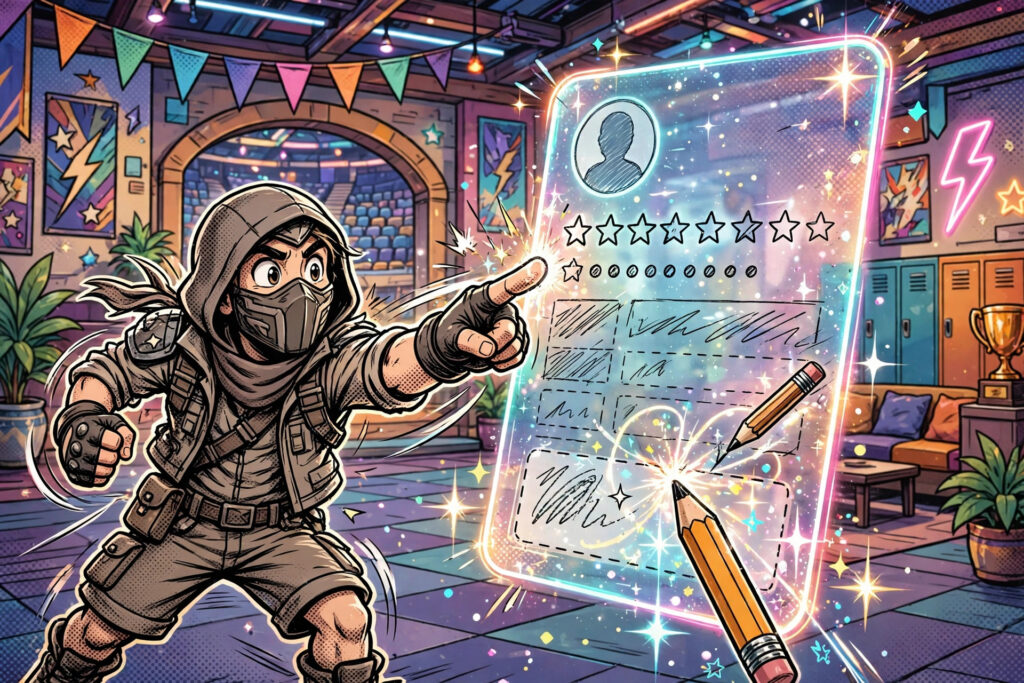
You can change your Brawl Stars name from your profile in under a minute: tap your avatar, tap your name, type the new one, confirm. Your first name change is free; every change after that costs gems, and the price increases each time — so this guide also shows how to test a name properly before you spend anything. If the new name is not decided yet, the Brawl Stars name generator has ready-made options in every style.
How to Change Your Name in Brawl Stars: Step by Step
- From the home screen, tap your profile picture in the top-left corner.
- Tap your current name (or the edit/pencil option on your profile card).
- If this is your first change, the game confirms it is free; later changes show the gem cost.
- Delete the old name and type or paste the new one.
- Check the preview, then tap Confirm. The new name appears everywhere immediately.
The name field accepts letters, numbers, spaces and most symbols and fancy fonts, within a modest character limit. Supercell’s filter blocks offensive names automatically, and a name that slips through can still be reported and force-changed later — wasting your free rename — so keep it clean.
Changing Your Name Through Supercell ID
Your Brawl Stars profile is tied to your Supercell ID, and the name shown in-game is edited from the profile as above — there is no separate website rename. What Supercell ID does give you is safety: with your account linked, a rename (or a new phone) never risks losing progress. If you play other Supercell games, remember each game keeps its own name; changing Brawl Stars does not rename you in Clash of Clans or Clash Royale.
Name Change Costs: Free First, Gems After
Supercell gives every player one free rename so a starter name like “Player12345” is never a life sentence. After that, renames cost gems and the price climbs with each subsequent change, which is precisely why players stockpile name ideas before touching the field. A decorated name pasted from our best Brawl Stars names with symbols list counts characters fast, so if your dream frame does not fit, shorten the root word rather than the frame — the lists show how short roots carry the biggest decorations.
Before You Confirm: The 30-Second Checklist
Read the name aloud — if it is hard to say, teammates will not call it out. Check it at small size in the preview, because that is how it appears in matches. Make sure it does not impersonate a pro, a club you are not in, or Supercell staff. And decide your direction: ranked menace belongs in sweaty Brawl Stars names, while joke identities live in the funny Brawl Stars names list. Still torn between styles? The Stylish Nickname Maker homepage gathers every generator on the site in one place.
Frequently Asked Questions
Is the first Brawl Stars name change really free?
Yes. Every account gets one free name change. After that, each change costs gems, and the gem price increases every time you rename.
Can I change my Brawl Stars name to one with symbols?
Yes — most Unicode symbols and fancy fonts are accepted. A small number of glyphs show as blank boxes on some devices, so always read the in-game preview before confirming.
Does changing my name affect my trophies or brawlers?
No. Trophies, brawlers, skins, club membership and friends are tied to your Supercell ID account, not your display name. Only the name changes.
Why was my new name rejected?
Either it hit the profanity filter, exceeded the character limit, or used an unsupported character. Shorten it, clean it up, and remove exotic symbols until it saves.