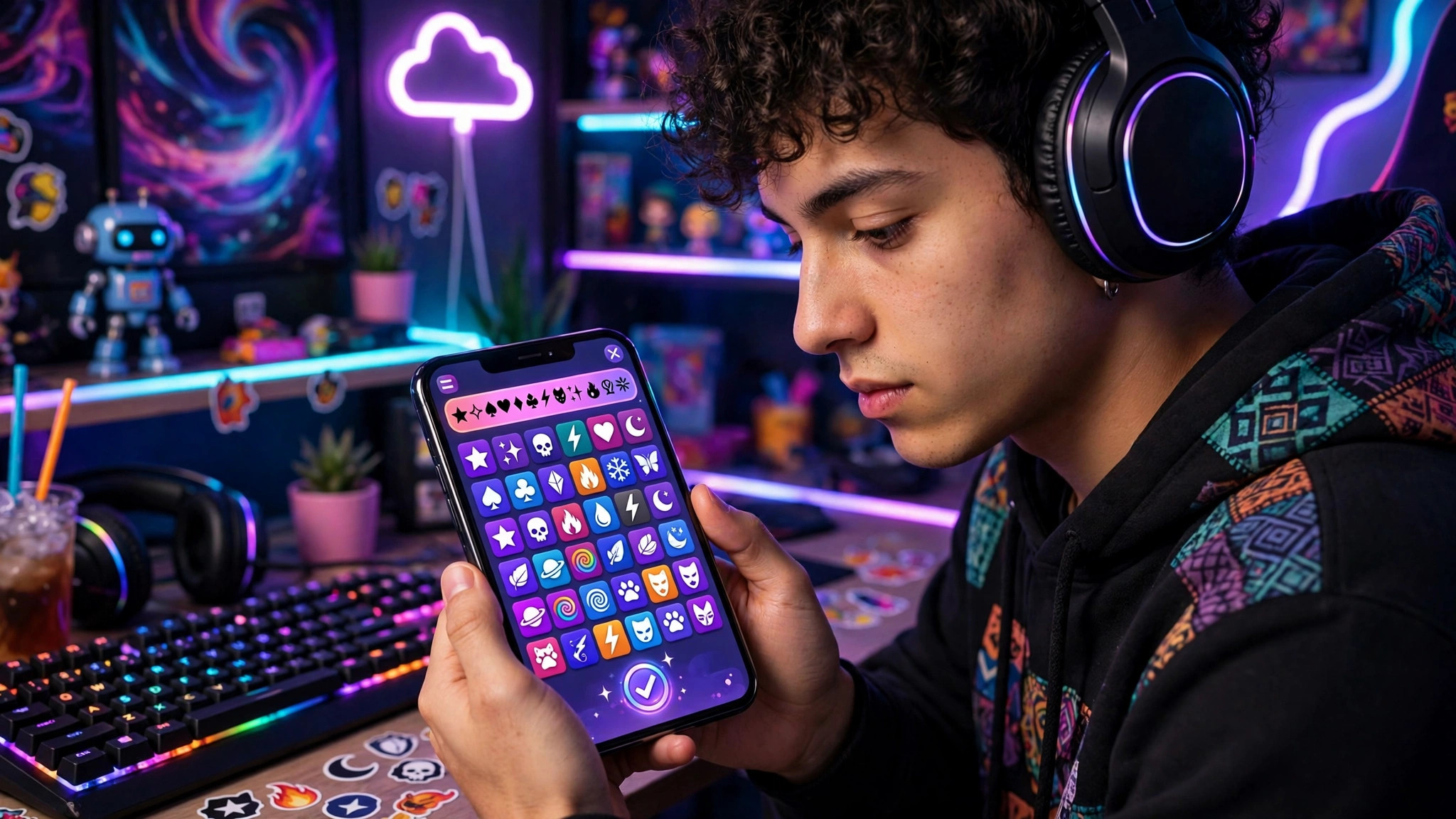
Want to learn how to add symbols to your game name? Pick safe symbols that your game can show, build a short name around them, test the name outside the game, then apply it on the rename screen. This guide works for almost any game, from Free Fire and BGMI to PUBG, COD Mobile, 8 Ball Pool, Ludo King and Carrom Pool. Start with the symbol library to find symbols that look clean and are easy to copy.
Step 1: Pick Safe Symbols for Your Game Name
Start with simple symbols. Stars, crowns, hearts, swords and basic decorative marks are the safest choices, because most games and phones can show them. Very fancy or rare symbols are more likely to show up as a box, disappear, or be blocked by the game. If you are not sure about a symbol, test it in a chat message first.
Pick symbols that match the style of your name. A crown suits a king name, a star suits a legend name, and a sword suits a warrior name. Do not use five symbols in a row. One symbol at the start and one at the end is usually enough. The name decorator lets you try the same name with different symbol styles. If you play Free Fire, follow the full steps in how to add symbols to your Free Fire name.
Step 2: Build and Test Your Symbol Game Name
Build the name in three parts: a symbol, a short word, and a symbol. Keep the name short, because most games limit how long a name can be, and a long name may be cut off. Check the game’s rename screen for the exact cost and the exact character limit before you confirm anything, because those rules are different in each game.
Test the name before you spend anything on a rename. Copy it into a note or a chat and look at it on your phone. Check that every symbol shows up and that the name is easy to read. If a friend struggles to read it back, the name is too complex. If you play BGMI, see how to add symbols to your BGMI name, and if you play PUBG, see how to add symbols to your PUBG name.
Copy-Paste Symbol Name Ideas
- ★ Dragon King ★
- ♛ Pro Warrior ♛
- ☬ Shadow Hunter ☬
- ★ Night Rider ★
- ♛ Clash Legend ♛
- ★ Fire Hunter ★
- ⚔ Silent Killer ⚔
- ★ Cool Gamer ★
- ♛ Royal Player ♛
- ★ Dark Star ★
Step 3: Apply the Name in Your Game
Once the name looks right, open the game and go to the rename screen. This is usually in your profile, your settings, or your name card, depending on the game. Paste the name you tested, check it one more time, and only then confirm. Do not type the symbols by hand if you can copy and paste them, because it is easy to pick the wrong symbol by mistake.
If the game blocks the name, do not keep trying the same symbols. Remove the rarest symbol first and try again with a simpler star or crown. If the rename costs in-game currency, check the cost on the rename screen before you confirm. For Instagram-style names, see how to add symbols to your Instagram name. For 8 Ball Pool, see how to add symbols to your 8 Ball Pool name, and for Ludo King, see how to add symbols to your Ludo King name.
Game-by-Game Symbol Guides
Each game has its own rename screen, rules and limits, so a general guide is only the start. Use the guide for your game to check the exact steps, the safe symbols and the common mistakes for that game. The COD Mobile steps are in how to add symbols to your COD Mobile name, and the Carrom Pool steps are in how to add symbols to your Carrom Pool name. Read the guide for your game before you pay for a rename.
For more ideas, try the stylish nickname maker and check names with the username availability checker.
FAQs About How to Add Symbols to Your Game Name
How do I add symbols to my game name?
Pick a simple symbol, build a short name with it, paste it into the game’s rename screen, and confirm it. Test it in a chat first.
Which symbols are safe to use in game names?
Simple stars, crowns, hearts and sword marks are usually safest, because most games and phones can show them. Very fancy symbols may show up as a box or be blocked, so test each symbol before a paid rename.
Why is my symbol name not showing correctly in a game?
It is often because the game does not support that symbol, or your phone cannot show it. Replace the rare symbol with a simple star or crown, keep the name short, and test the new version in a chat before you try the rename again.
Do I need to pay to add symbols to my game name?
It depends on the game. Some offer a free rename once, while others charge in-game currency for every rename. Check the rename screen for the exact cost before you confirm.