If you want to know how to add symbols to your BGMI name, the short answer is this: choose a short in-game name, pick one or two symbols that fit your style, place them at the start, end, or both sides of the name, and then copy the finished name into BGMI. Using a BGMI name generator makes this easy, because it shows you styled versions instantly and you can copy the one you like best.
Symbols help your BGMI name stand out in the lobby, on kill feeds, and on leaderboards. A clean name with a crown or star is easy to spot, but keep it readable so teammates can recognise you quickly during a match.
Why Symbols Work So Well in BGMI Names
BGMI players see hundreds of similar names every day. Symbols add personality without changing your identity. A skull, lightning bolt, or crown can signal a serious player or a clan leader before the match even starts. Symbols also help when your first choice is taken: one tasteful symbol can turn a common name into something original.
Step-by-Step: How to Add Symbols to Your BGMI Name
Follow these steps to build a clean, game-ready name:
- Pick your base name. Choose a short name you like, such as Shadow or Viper. Short names leave room for symbols and stay easy to read.
- Choose your style. Decide whether you want a royal, dark, cute, or pro esports look.
- Browse symbol options. Open a symbol library and find crowns, stars, skulls, and brackets that match your style.
- Place symbols carefully. Put one symbol at the start, one at the end, or one on each side. Avoid stacking many symbols together.
- Test the full name. It should look short, clear, and easy to pronounce in a match. If it looks crowded, remove one symbol.
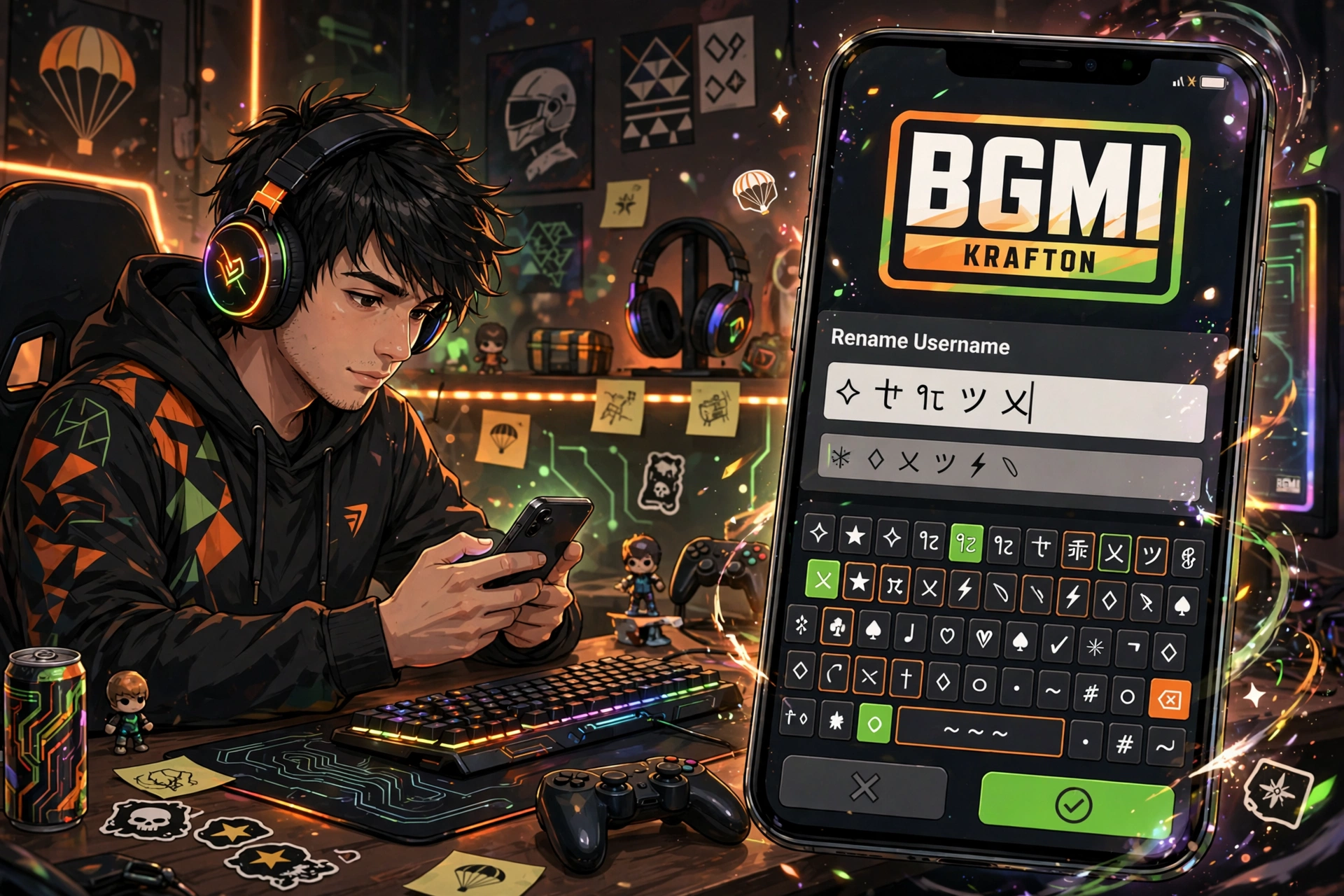
- Copy it into BGMI. Paste the finished name into the rename field. Double-check before you confirm, because changing it again may cost another rename card.
You can also explore the full collection on the tools page to try other styling options, including a fancy text generator for bold, bubble, and gothic letter styles.
Best Symbols for BGMI Names
These symbols are popular with BGMI players because they look strong and stay readable:
- Crowns: ♛ and ♚ for royal and leader-style names.
- Stars and sparkles: ★, ✦, and ✧ for clean, eye-catching names.
- Skulls and danger marks: ☠ and ⚠ for dark, aggressive names.
- Lightning and fire: ⚡ and 🔥 for fast, energetic players.
- Decorative brackets: ꧁, ꧂, for a framed, esports-style finish.
- Arrows and wings: ➳ and ༺ for stylish, flowing names.
For a subtler effect, you can also try a ghost text generator, which creates invisible or lightly styled characters that add a unique touch without crowding your name.
Ready-to-Copy BGMI Names With Symbols
Copy any of these names, or swap the main word for your own gaming name:
- ♛ SHADOW KING ♛
- ꧁༒☬ Viper ☬༒꧂
- ⚡ Ghost Hunter ⚡
- ★ Dark Sniper ★
- ꧁༒☬ Night Wolf ☬༒꧂
- ☠ Night Killer ☠
- ༺ Royal Devil ༻
Before you finalise a name, it is worth checking whether someone else already uses it. Read this guide on how to check if a BGMI name is taken so you do not waste a rename card on a name that is already in use.
Tips to Keep Your BGMI Name Readable and Allowed
Keep these tips in mind for a stylish, safe name:
- Use at most two symbols. More than that usually looks messy on small phone screens.
- Keep the core name clear. Teammates should be able to call you by your name during voice chat.
- Avoid offensive words. BGMI may reject or flag names that break its rules, even if the symbols look cool.
- Match your clan style. If your clan uses a shared tag or symbol, keep it consistent so your whole squad looks united.
- Save a backup name. Keep one or two extra styled names ready, in case your first choice is taken.
If you also play Free Fire, the same symbol ideas apply there too. See this guide on how to add symbols to your Free Fire name for game-specific examples and formatting tips.
Frequently Asked Questions
How do I add symbols to my BGMI name without an app?
You do not need an app. Open a BGMI name generator or symbol library in your browser, pick a styled version, copy it, and paste it into the rename field in BGMI.
Which symbols are best for a BGMI name?
The best symbols are simple and bold, such as crowns, stars, lightning bolts, skulls, and decorative brackets. Choose one or two that match your playing style, and avoid rare symbols that may display incorrectly on some devices.
Why is my BGMI name with symbols not accepted?
BGMI may reject a name if it is taken, too long, or contains a blocked word or unsupported character. Try a shorter version or a different symbol, and check again before confirming.
Can I use the same stylish name in BGMI and on social media?
Yes, as long as each platform accepts the symbols you chose. One consistent name helps fans recognise you everywhere, from matches to streams and posts.