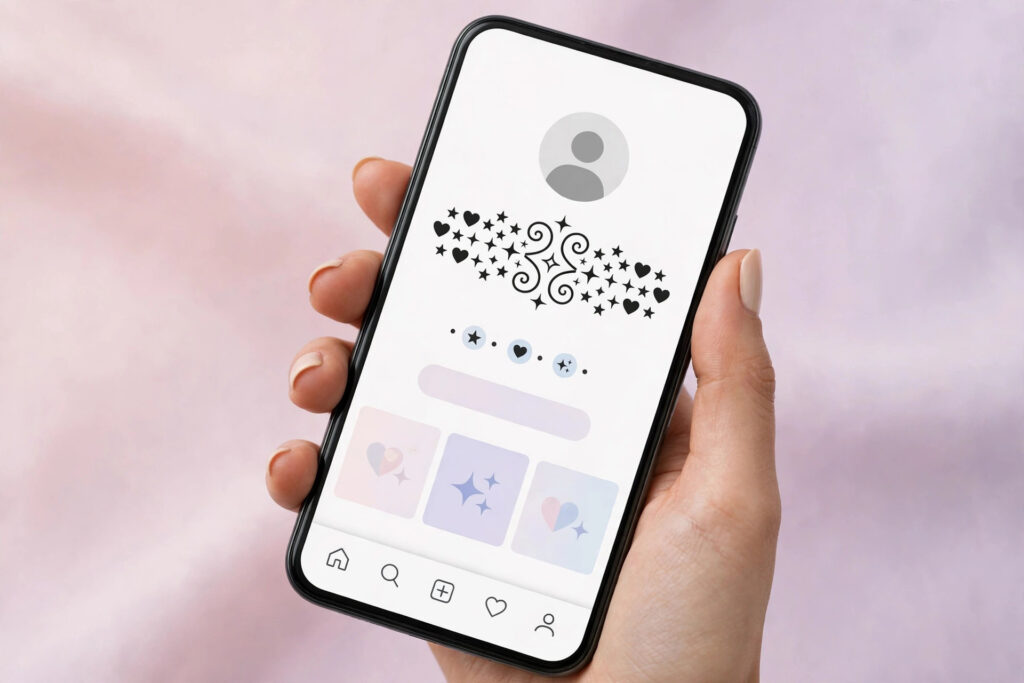
If you want to learn how to add symbols to your TikTok username, here is the honest answer first: you cannot put symbols in your actual TikTok username. TikTok only allows letters, numbers, underscores and periods in the @username, and it must be between 2 and 24 characters long. The good news is that your display name, the nickname shown in bold above your @username, does allow symbols, emojis and fancy characters, and it can be up to 30 characters long. So the symbols go in your display name, not your username. In this guide, you will learn how to add symbols to your TikTok display name in under a minute, which symbols look best, and which mistakes to avoid. Try the TikTok name generator first if you need a fresh base name to decorate.
Why Symbols Do Not Work in Your TikTok Username
Your TikTok username is your unique @handle, the address people type to find you, so TikTok keeps it simple. Only letters, numbers, underscores and periods are allowed, and the whole username must fit inside 2 to 24 characters. Paste a star or heart into the username field and TikTok will reject it. There is another reason to be careful: you can change your TikTok username only once every 30 days, so a rushed change locks you in for a month. Your display name is different: it sits above your @username, holds up to 30 characters, and accepts symbols and emojis. That is why creators keep their @username short and put all the decoration in the display name. Check a handle is free with the username availability checker so you do not waste your one monthly change.
How to Add Symbols to Your TikTok Username Display Name
Adding symbols takes less than a minute once you know which field to edit. Edit the Name field, not the Username field, because only the Name field accepts symbols:
- Open TikTok and tap Profile in the bottom right corner of the screen.
- Tap the Edit profile button underneath your current display name.
- Tap the Name field at the top, not the Username field below it.
- Delete your old display name and type or paste your new name with symbols.
- Tap Save and open your profile to check how the symbols look.

Best Symbols That Look Good on TikTok
The best symbols are simple, widely supported and easy to read at a glance. The fancy text generator can style your letters, and you can pair them with one of these groups:
- Stars and sparkles like ★, ☆, ✦, ✧ and ⋆ give your name a bright, dreamy feel.
- Hearts like ♡, ♥ and ❥ work beautifully for aesthetic, couple and fan accounts.
- Flowers and nature symbols like ❀, ✿ and ❁ suit soft, cute and girly profiles.
- Crowns like ♛ and ♚ add a royal, VIP touch to gaming and attitude profiles.
The symbol library has full sets of stars, hearts and flowers you can copy with one tap.
Stylish TikTok Display Name Ideas With Symbols
Here are ready-to-copy display name ideas. Each one keeps the symbols light so the name stays readable, and fits inside the 30 character limit:
- ✦ 𝓝𝓸𝓿𝓪 ✦ is a short sparkle style that is easy to remember.
- ❀ 𝓛𝓲𝓵𝔂 ❀ is a gentle flower style for cute and girly profiles.
- ♛ 𝓚𝓲𝓷𝓰 𝓡𝓪𝓳 ♛ is a bold crown style for attitude and gaming accounts.
- ⋆ 𝓜𝓲𝓪 ⋆ is a minimal sparkle style that looks neat on every screen.
- ★ 𝓩𝓪𝔂𝓷 ★ is a sharp star style for boys who want a strong look.
- ♚ 𝓠𝓾𝓮𝓮𝓷 𝓝𝓪𝔂𝓪 ♚ is a royal crown style for confident creators.
Mistakes to Avoid When Adding Symbols to TikTok
A few common mistakes can ruin an otherwise great TikTok name. Avoid stuffing your display name with five or six symbols in a row, because it becomes hard to read and harder to remember. Never force symbols into your @username, because TikTok will reject them and you may waste your one change per 30 days. Avoid rare symbols that turn into empty boxes on older phones, and skip symbols that look like letters, because they confuse search. For more ideas, browse the TikTok username ideas for girls and learn how to check if a TikTok username is taken before you commit to a new handle.
Frequently Asked Questions
Can I add symbols to my TikTok username?
No. The @username only allows letters, numbers, underscores and periods, and must be 2 to 24 characters long. Symbols belong in your display name, which allows them and can be up to 30 characters long.
How do I add symbols to my TikTok display name?
Open TikTok, tap Profile, then Edit profile, then the Name field. Paste your name with symbols and tap Save. The whole name must fit inside 30 characters.
How often can I change my TikTok username?
Only once every 30 days. Your display name is far more flexible, so test your symbol style there first and keep your @username stable and searchable.
Which symbols are safe to use on TikTok?
Safe symbols include stars like ★ and ✦, hearts like ♡ and ♥, and flowers like ❀ and ✿. Stick to one or two symbols per name and avoid rare characters that may show as empty boxes.