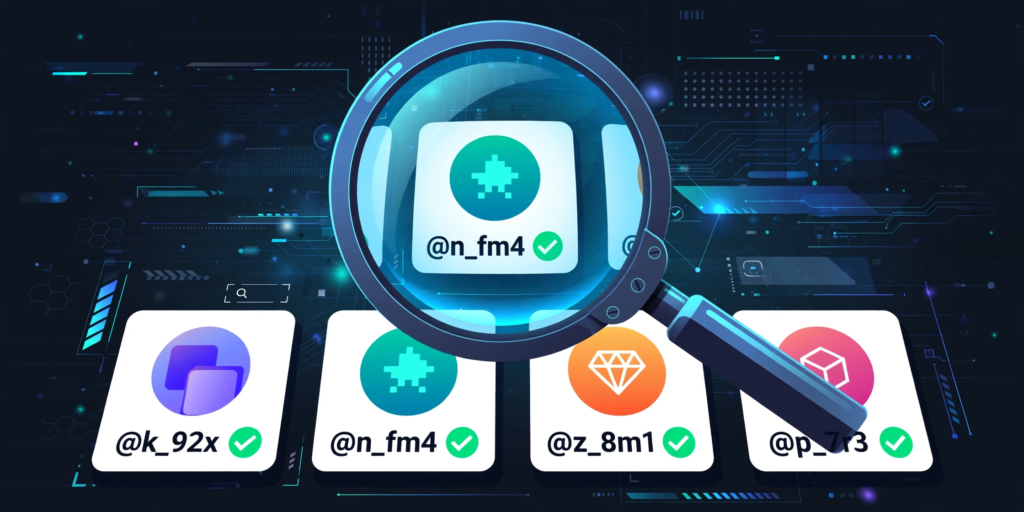
Wondering how to check if a username is taken on any platform? The fastest way is to search the exact username on that platform, try it during signup, and use a username availability tool to check several platforms at once. If the name is already in use, you will usually see an error, a taken message, or an existing profile with that name. This guide shows you the exact steps, worked examples, and smart alternatives, so you never waste time on a name you cannot use. Start by testing your idea with the Username Availability Checker before you fall in love with it.
Checking availability matters because a username is your identity everywhere. It appears in search results, friend requests, game invites, and profile links. A quick check saves you from rebranding later, losing followers, or settling for a confusing name with extra numbers.
How to Check If a Username Is Taken: Step by Step
Follow these steps for almost any app, game, or social platform. The process is the same even when the buttons look different.
- Write down two or three username ideas, including one backup option.
- Search the exact username inside the platform, using its search bar or profile URL.
- Open the signup or edit-profile screen and type the username to see if the platform accepts it.
- Check the same name on other platforms you plan to use, so your brand stays consistent.
- If the name is taken, try a small change, such as adding a dot, underscore, or short word, then check again.
- Once a name is free everywhere that matters, claim it right away before someone else does.
Worked Examples That Show What Taken Looks Like
Imagine you want the username PixelRider. On Instagram, searching for PixelRider brings up an active profile, so that name is taken there. On another platform, the same search shows no profile, and the signup form accepts it, which means it may be free there.
Now imagine you want LudoQueen99. If the platform says the name is unavailable during signup, do not keep trying the exact same spelling. Instead, test LudoQueen_99, TheLudoQueen, or LudoQueenPlays. Each small change creates a new username, so check it fresh. For game-specific help, see how to check if a BGMI name is taken and how to check if a Free Fire name is taken, since games often have their own rules about characters and name changes.
Checking Usernames on Popular Platforms
On social apps, the profile URL is a powerful shortcut. If the profile page loads with posts and followers, the name is taken. If the page says the user does not exist, the name may be free, but the signup test is still the final proof. For a detailed social example, read how to check if an Instagram username is taken before you choose an Instagram handle.
Games and creative platforms can be stricter. Some names are blocked even when no player uses them, because they contain banned words, special characters, or reserved terms. If your name is rejected without an existing profile, try removing symbols or changing one word. You can find game-specific steps in how to check if a Minecraft username is taken and how to check if a TikTok username is taken.
What to Do If Your Username Is Taken
Do not copy someone else’s name with a tiny change and hope nobody notices. That can look like impersonation and may cause problems later. Instead, keep your main word and change the structure. Add a word that describes what you do, such as Plays, Gaming, Official, or Daily. You can also try a dot or underscore in a natural place, or use a stylish variation made with the Fancy Text Generator. If you want a hidden or unique look, the Ghost Text Generator can help you create a version that still feels original.
Choose a name that can grow with you, is easy to spell aloud, and is easy to type on a phone keyboard.
Frequently Asked Questions
How can I check if a username is taken without creating an account?
You can often search the username or try its profile URL without signing in. If a real profile appears, the name is taken. If nothing appears, create an account or use the signup screen to confirm, because search results alone can miss inactive or private accounts.
Can the same username be free on one platform and taken on another?
Yes, each platform has its own usernames. A name can be free on TikTok but taken on Instagram, or free on a game but taken on YouTube. Always check every platform where you want the same identity.
What should I do if my dream username is taken?
Try a clean variation instead of copying the owner. Add a short word like Plays, Official, or Gaming, use a dot or underscore, or change the order of the words. Then check the new version everywhere before you claim it.
Why does a platform reject a username that seems unused?
Some usernames are reserved, banned, or blocked because of their words, length, or characters. Others may belong to inactive, suspended, or hidden accounts. In that case, choose a different spelling or a new variation rather than waiting for the name to be released.