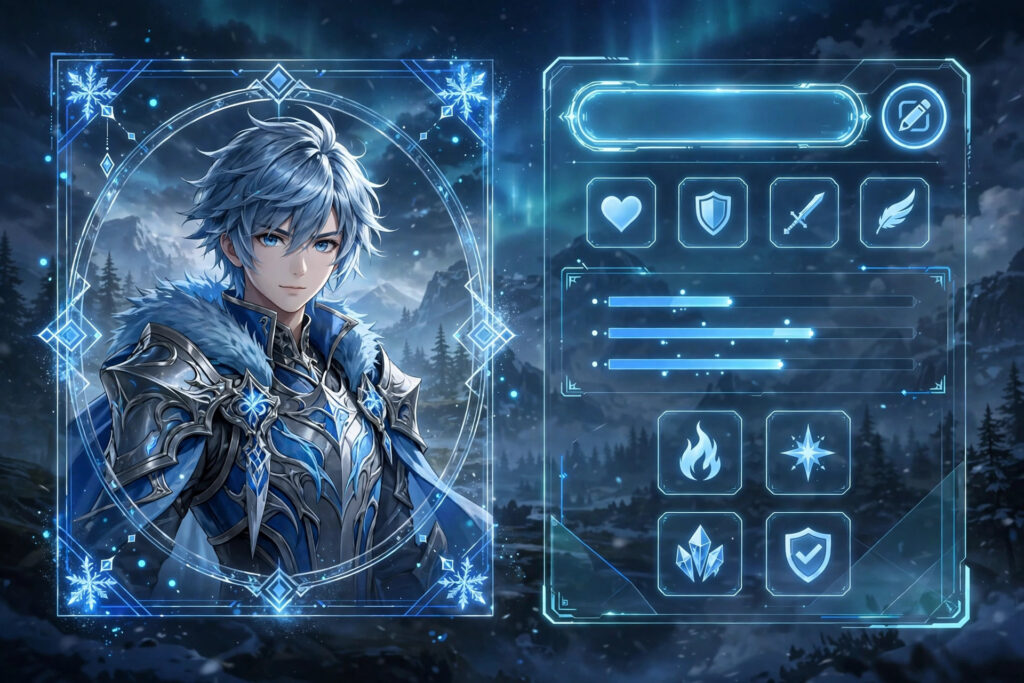
You can change your name in Wuthering Waves from your player profile: open the main menu, tap the edit icon next to your current Rover name, type the new name and confirm. The whole process takes less than a minute on PC, mobile and console, and your UID stays exactly the same. This guide walks through each step, explains the rename limits, and helps you fix the most common errors.
How to Change Your Name in Wuthering Waves (Step by Step)
Follow these steps in order:
- Launch Wuthering Waves and log in to your account.
- Open the main menu (the Terminal) — tap the menu icon on mobile or press Esc on PC.
- Look at the player card at the top of the menu, where your current name, level and UID are shown.
- Tap the small pencil (edit) icon beside your name to open the rename window.
- Delete the old name and type or paste your new one.
- Tap Confirm (OK) to save. Your new name appears on your profile, in co-op and on your friends’ lists right away.
Before you start, it helps to have the new name ready. Browse our copy-and-paste list of the best Wuthering Waves names with symbols or the funny Wuthering Waves names list, copy your favourite, then come back and paste it at step 5.

Wuthering Waves Name Rules and Limits
Your Rover name must fit the game’s character limit, so decorated names with many symbols can be cut down — shorter is safer. Names cannot contain offensive language, and some rare Unicode symbols are blocked or display as blank boxes on certain devices. The game may also limit how frequently you can rename, so treat each change as semi-permanent and choose a name you will still like after the next patch. Your UID, Resonators, progress and friends list are never affected by a rename.
Name Not Accepted? Try These Fixes
If the game refuses your new name, work through this checklist. First, shorten it: remove one symbol or one word and try again. Second, swap exotic symbols for common ones like ✦, ☾ or ☆ — you can test styles safely in our name decorator and pick replacements from the symbol library. Third, if the name is simply taken, add a quiet word such as Tide, Echo or Moon to make it yours. Fourth, check for accidental spaces at the start or end of a pasted name, which can trigger an error.
Where Your New Name Shows Up
Your Rover name is displayed on your profile card, in co-op sessions, in the friends list and on leaderboards. Because it is the name other players remember you by, many players match it to their main Resonator’s element or aesthetic. If you also play Genshin Impact, the flow is similar — our Genshin Impact name generator is the closest tool for styling a matching name there, and the main stylish nickname maker can give both games the same decorated style so your identity stays consistent across titles.
Frequently Asked Questions
Is changing your name in Wuthering Waves free?
Renaming from the profile edit icon does not cost Astrite or any premium currency in the standard flow. However, the game can restrict how often you rename, so you may need to wait before changing it again.
Does changing my Rover name change my UID?
No. Your UID is permanent and is what friends use to add you. Only the display name on your profile changes, and your account, Resonators and progress stay untouched.
Can I use symbols in my new WuWa name?
Yes — popular symbols like ✦, ☾, ☆ and ♪ are widely used. A few exotic characters may be blocked or render as boxes, so preview the name in the rename window before confirming.
Why was my new name rejected?
The usual causes are a name that is too long, a name another player already uses, blocked words, or unsupported symbols. Shorten it, change one symbol, or add a word like Tide or Echo and try again.