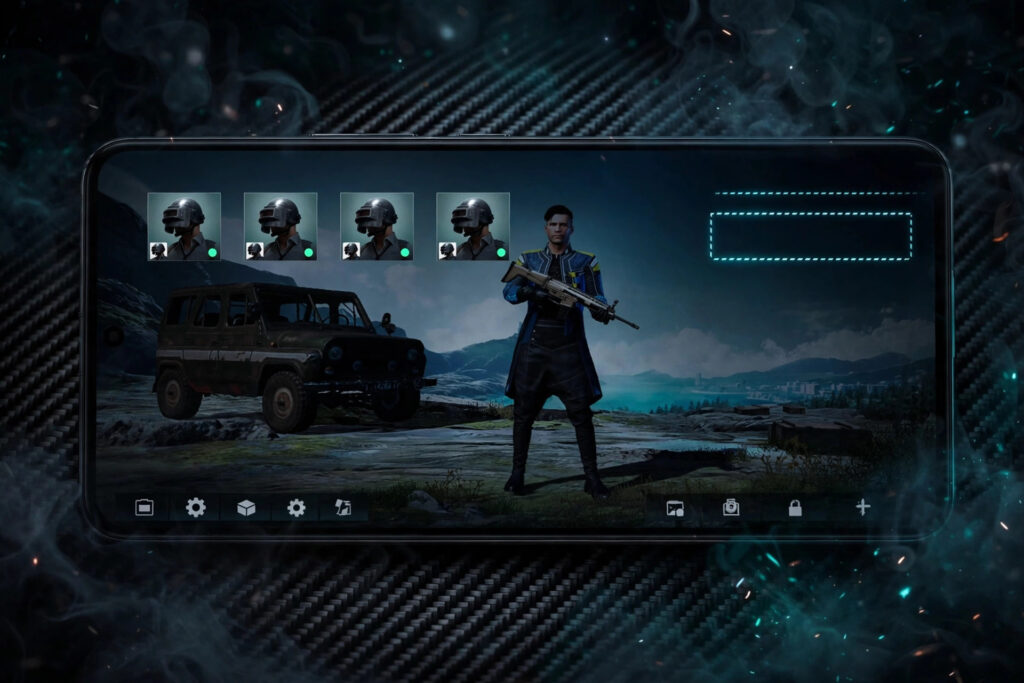
Want to know how to make an invisible name in BGMI? This step-by-step guide shows you exactly how to create a blank, invisible name in Battlegrounds Mobile India using a special invisible character, plus how to fix it if the game rejects your name. An invisible name makes your profile look unique in lobbies and kill feeds — other players see an empty space where your name should be. The easiest way to get the character is the Invisible Name Generator, which gives you a ready-to-copy blank character in one click.
What Is an Invisible Name in BGMI?
An invisible name is a BGMI profile name made from a special Unicode character that the game displays as blank space. It is not actually empty — it contains a hidden character that BGMI accepts as a valid name but renders as nothing. That is why your profile, lobby slot and kill feed show a blank gap instead of text. It is a popular trick because it looks mysterious and stands out instantly, and it works without any mods or hacks — just a character the game already supports.
How to Make an Invisible Name in BGMI: Step by Step
Step 1: Copy the invisible character
Open the Invisible Name Generator and copy the blank character it provides. You can also copy it from a trusted source, but a dedicated generator is safer because it gives you the exact character BGMI accepts.
Step 2: Open BGMI and go to your profile
Launch BGMI, tap your avatar in the top-right corner, and open your profile page where your current name is shown.
Step 3: Use a Rename Card
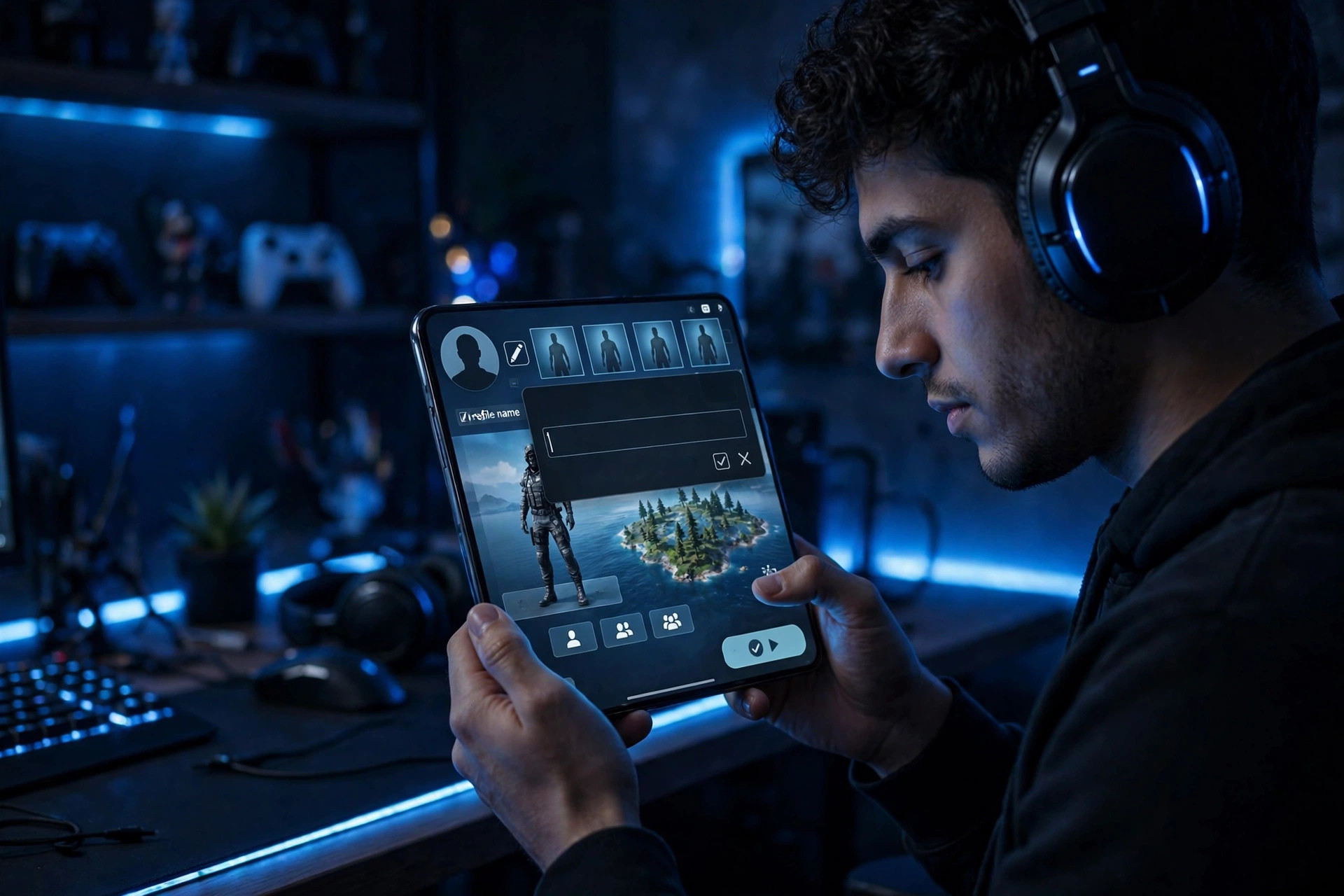
Tap the edit icon beside your name. Changing your name in BGMI requires a Rename Card, which you can buy with UC or earn from events and missions. Make sure you have one before starting.
Step 4: Paste the invisible character and confirm
Delete your current name, paste the invisible character into the name field, and confirm. If BGMI accepts it, your profile will now show a blank name. If it shows an error, try the troubleshooting steps below.
For a similar trick on other platforms, see our guide to how to make a blank name on Instagram, which uses the same invisible-character idea with the Ghost Text Generator.
What to Do If BGMI Rejects Your Invisible Name
Sometimes BGMI rejects a blank name because the character was copied with an extra space or because the game updated its filters. First, copy the character again carefully, making sure no visible space is included. Second, try a different invisible character variant from the generator — some variants pass filters that others do not. Third, try combining the invisible character with a single tiny symbol if a fully blank name keeps failing; even one small dot or dash beside the blank space still looks nearly invisible. Never use third-party tools or mods to force a name change — they risk your account. You can find more name tools on the All Tools page.
Does an Invisible Name Affect Gameplay?
No, an invisible name is purely cosmetic. It does not hide you from enemies in matches, does not affect matchmaking, and does not give any advantage. Teammates will still see your blank slot in the lobby, and voice chat still works normally. The only real downside is practical: friends may find it harder to search for you or mention you by name, so many players switch back to a normal stylish name after a while. If you want a stylish visible name instead, the Fancy Text Keyboard can restyle a normal name with cool fonts.
Tips Before You Switch to an Invisible Name
Make sure you have a Rename Card ready, and remember that switching back costs another card. Tell your squad first so they are not confused by a blank lobby slot, and keep a copy of the invisible character saved in your notes in case you want it again later. An invisible name is a fun flex — just be sure it is worth the rename card.
Frequently Asked Questions
How to make an invisible name in BGMI?
Copy an invisible Unicode character from the Invisible Name Generator, open your BGMI profile, use a Rename Card, paste the character into the name field, and confirm. Your profile will then display a blank name.
Is an invisible name in BGMI safe and legal?
Yes, it uses a standard Unicode character the game accepts — no mods or hacks are involved. It does not give any gameplay advantage and does not violate BGMI’s rules.
Why is my invisible name not working in BGMI?
The usual causes are an extra space copied with the character, or a game update tightening name filters. Copy the character again carefully from the generator, or try a different invisible character variant.
Can I change back from an invisible name?
Yes, use another Rename Card and type a normal name. Keep in mind that each rename costs a card, so plan your changes rather than switching back and forth.