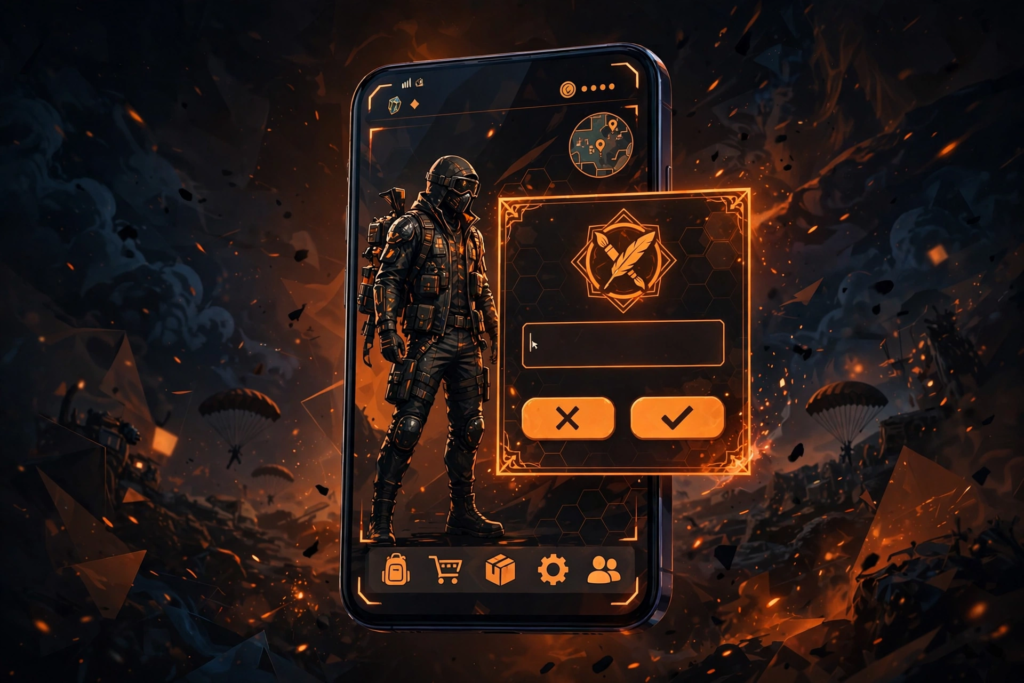
Wondering how to check if a Free Fire name is taken before you spend diamonds on it? Here is the honest answer: Free Fire has no public name-checker website, so the reliable checks all happen inside the game itself — the name-change preview, which rejects names that are already taken, a quick squad or lobby search for the name, and a symbols-and-length test before you confirm. This guide walks you through all three checks step by step, so you never waste a rename card on a name you cannot use. For fresh ideas to test, the Free Fire Name Generator gives you dozens of stylish names to try.
Why does this matter? Because renaming in Free Fire is not free after the first time. Your first name change is free, but later renames cost a rename card or 390 diamonds. Checking first takes two minutes and saves you that cost — plus the frustration of watching your dream name get rejected at the final step.
Method 1: The In-Game Name-Change Preview (Most Reliable)
This is the check that actually counts, because it uses Free Fire’s own system. Open Free Fire, tap your profile avatar, tap the edit icon next to your name, and type the name you want. The game will immediately tell you if the name is unavailable — a taken name is rejected right here, before you spend anything. If it is accepted at the preview stage, it is yours to confirm.
Never confirm the rename on your first attempt if you are testing. Type the name, read the result, then back out without confirming if you are only checking. That way you keep your free rename or your diamonds for the name you actually want. This preview is the only check that reflects Free Fire’s live database, so it always beats any third-party claim.

Method 2: Squad and Lobby Search
A second useful check is searching for the name in-game. Add the name as a friend search, or look for it in squad and lobby listings, to see whether an active player already uses it. If an exact match shows up, the name is almost certainly taken, and you should tweak it with a symbol, a dot or a different spelling before testing it in the preview.
This method is a helpful early filter, but it is not perfect on its own. A name can exist on an inactive account that does not show up easily in search, so always finish with the name-change preview before spending anything. Use search to shortlist, and the preview to confirm.
Method 3: Test Symbols, Length and Formatting
Free Fire names have a 12-character limit, and decorative symbols count toward that limit — a name that looks short can fail because its symbols push it over 12 characters. Test your full decorated name, symbols included, in the preview box rather than counting by eye.
There is one more formatting trap to know: colour emoji and some special effects get stripped or display differently in Free Fire names, so a name that looks colourful in a generator may appear plain in-game. Test the exact final version in the preview, and if a symbol disappears or breaks the name, swap it for a standard decorative character. The Symbol Library is handy for finding game-safe symbols, and the Name Decorator can wrap your name in frames that survive in-game.
What About Online Free Fire Name Checkers?
Be careful with websites that claim to check Free Fire name availability. Free Fire does not offer a public name-check API, so no outside website can truly verify whether a name is taken in the game. At best these sites guess, and at worst they are clickbait pages that collect your clicks. The in-game preview is the only real check, and it is free to use.
For general username brainstorming across platforms, the Username Availability Checker is useful for checking whether a handle is free on social platforms — just remember that for Free Fire itself, the in-game preview is the final word. If you want more guild or squad options, the Free Fire guild names list is a good next read.
Frequently Asked Questions
How do I check if a Free Fire name is taken?
Open Free Fire, go to your profile, tap the edit icon next to your name, and type the name. The in-game preview rejects taken names immediately, before you spend anything. This is the only fully reliable check, since Free Fire has no public name-checker website.
How much does it cost to change a name in Free Fire?
Your first name change in Free Fire is free. Later renames cost a rename card or 390 diamonds, which is why checking availability in the preview before confirming saves you real money.
What is the character limit for Free Fire names?
Free Fire names are limited to 12 characters, and decorative symbols count toward that limit. Always test your full decorated name in the preview box rather than counting characters by eye.
Can I use symbols and stylish fonts in a Free Fire name?
Yes, many decorative symbols work in Free Fire names, but colour emoji and some special effects may be stripped or display differently in-game. Test the exact final version in the name-change preview before confirming.