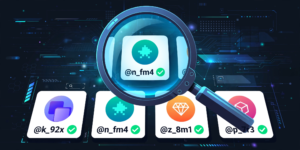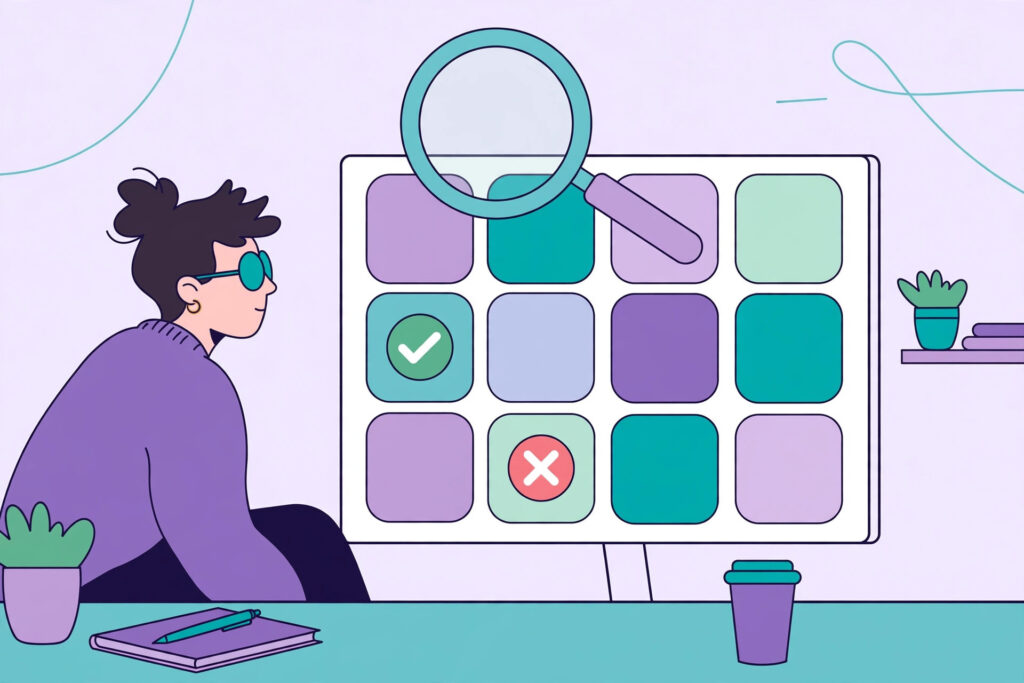
You have the perfect username in mind. Short, clean, memorable — and then the sign-up page hits you with the three worst words on the internet: “already in use.” Knowing how to check if a username is taken before you fall in love with it saves you that heartbreak. The fastest way to do a first pass is our Username Availability Checker, which scans the major platforms in one go. This guide walks you through how checking works, what the results really mean, and what to do when the name you want is gone.
Why Checking a Username Matters
A consistent username is your identity online. Streamers, creators and gamers use the same handle everywhere so followers can find them instantly. If your name is taken on even one platform, you end up with mismatched handles — and someone else may be building an audience on the name you wanted. Checking first also protects you from a subtler problem: inactive accounts. A name can show as “taken” even when the account using it has not posted in five years, so you need a plan B ready before you commit to branding, logos or channel art built around one name.
How to Check If a Username Is Taken, Platform by Platform
Use an Availability Checker First
Start with a checker tool instead of opening ten sign-up pages. Type your candidate name into the availability checker and you will see, platform by platform, whether the name looks free or taken. Treat the result as a strong first signal, not a guarantee: platforms change their rules, names get freed and claimed daily, and some services hide whether a name exists. Always confirm on the platform itself before you print the name on anything.
Confirm on the Platform Itself
For a final answer, go to the source. On Instagram and TikTok, search the exact name in the app — if a profile appears, it is taken. On YouTube, try youtube.com/@yourname. For gaming IDs, the sign-up or name-change screen is the only true test: Xbox, PlayStation and Steam will tell you instantly.
The Name Is Taken — Now What?
Do not panic, and do not just add a random string of numbers. You have better options:
- Add a meaningful word: prefixes and suffixes like “plays,” “live,” “TV,” “official” or your game/genre keep the core name readable.
- Use separators: a dot or underscore (its.yourname) often frees a name while keeping it clean.
- Shrink it: our Small Text Generator can restyle a name so it looks distinct even when the plain version is gone.
- Swap a letter: replacing an “s” with a “z” or doubling a vowel keeps the sound while changing the spelling.
- Start fresh: if every variation feels like a compromise, generate a genuinely new name — our Rare Username Generator is built for short, uncommon handles.
One warning: avoid names that impersonate a brand or a famous creator with a tiny tweak. Platforms ban those, and you could lose the account after building it up.
Checking Gaming IDs: Xbox, PSN, Twitch and Steam
Gaming names follow their own rules. Gamertags and PSN IDs are unique across the whole network, so competition is fierce. If you stream, check your gaming name against Twitch at the same time — a mismatch between your Xbox tag and your Twitch channel confuses viewers. Run candidates through the checker, then verify the finalists inside each network’s name-change screen. You can brainstorm platform-specific ideas with our Xbox Gamertag Generator and Twitch Name Generator so the style fits each community.
Tips Before You Lock a Name In
Say the name out loud — if it is hard to pronounce, people will not remember it or find you by voice search. Keep it under 15 characters when you can, avoid strings of numbers that look like a bot account, and check the name does not spell something rude in another language. Finally, once you find a free name you love, claim it on every platform the same day, even ones you do not use yet. Names disappear fast, and squatting your own brand is free insurance. Browse the full list on All Tools for more generators, and read more naming guides on our blog.
Frequently Asked Questions
How can I check if a username is taken on all platforms at once?
Use an availability checker tool to scan the major platforms in one search, then confirm the result on each platform itself, because only the platform’s own sign-up screen gives a 100% final answer.
Why does a username show as taken when the account looks inactive?
Platforms reserve names for existing accounts even if they never post. Most services do not release inactive usernames automatically, so you will usually need a variation instead of the exact name.
Can two people have the same username on different platforms?
Yes. Availability is per platform, so a name taken on Instagram might be free on TikTok or Xbox. That is exactly why checking everywhere before choosing matters for a consistent identity.
What is the best fix when my username is taken?
Add a short meaningful word, a separator, or a clean stylistic change rather than random numbers. If every version feels forced, generate a fresh rare name and claim it everywhere the same day.